FAQ
What are Bonus Coins and how do I get them?
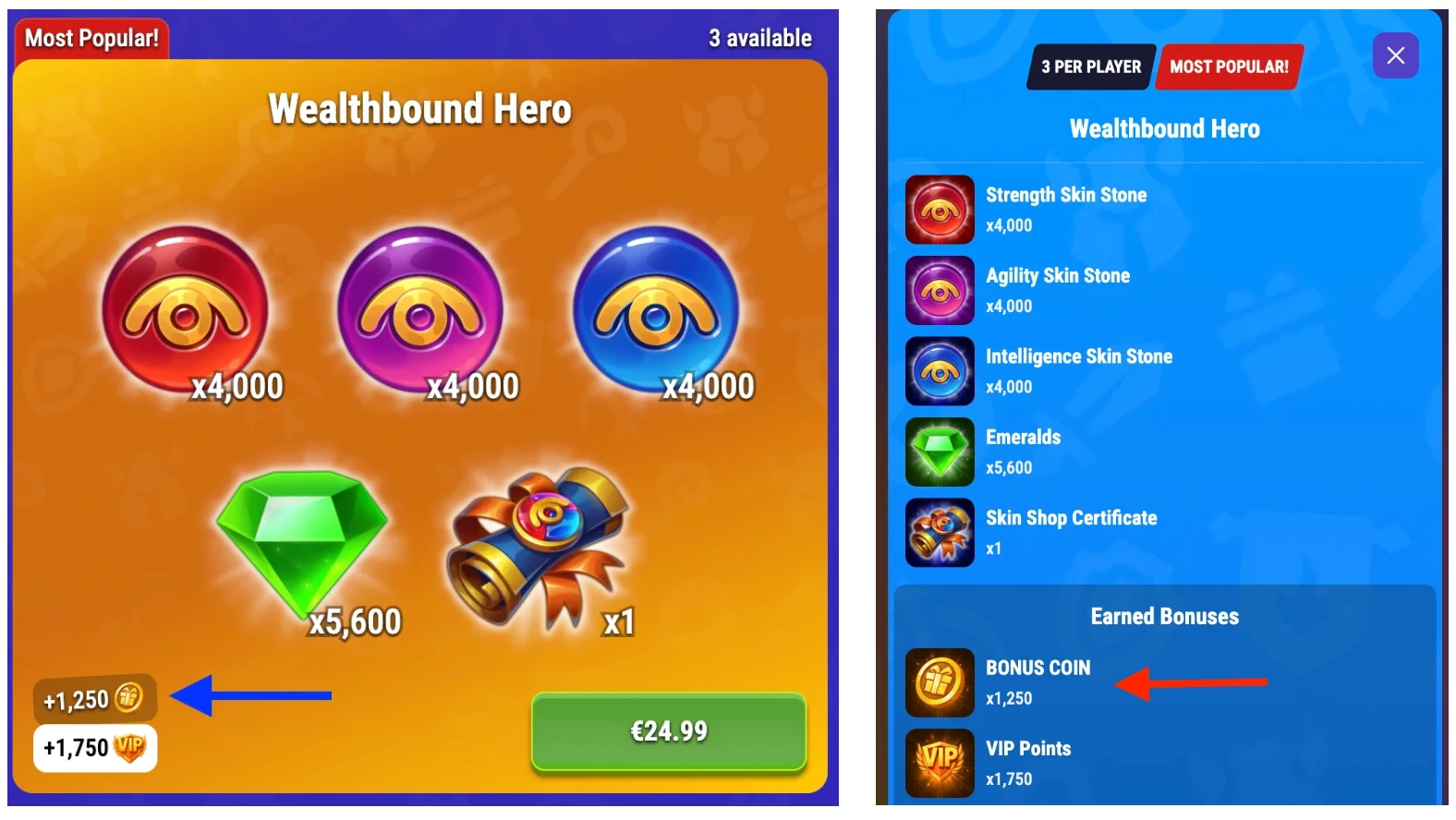
By making any purchase on the Hero Wars Hub platform, you receive Bonus Coins. The number of Bonus Coins depends on the item’s price, and you can always see the exact amount in advance on the product card.
Bonus Coins are credited to you immediately after the purchase is completed.
Bonus Coins are used to gain progress in your Personal Bonuses and Guild Bonuses. It’s a single currency that is credited to both progressions at the same time.
How does the Personal Bonus System work?
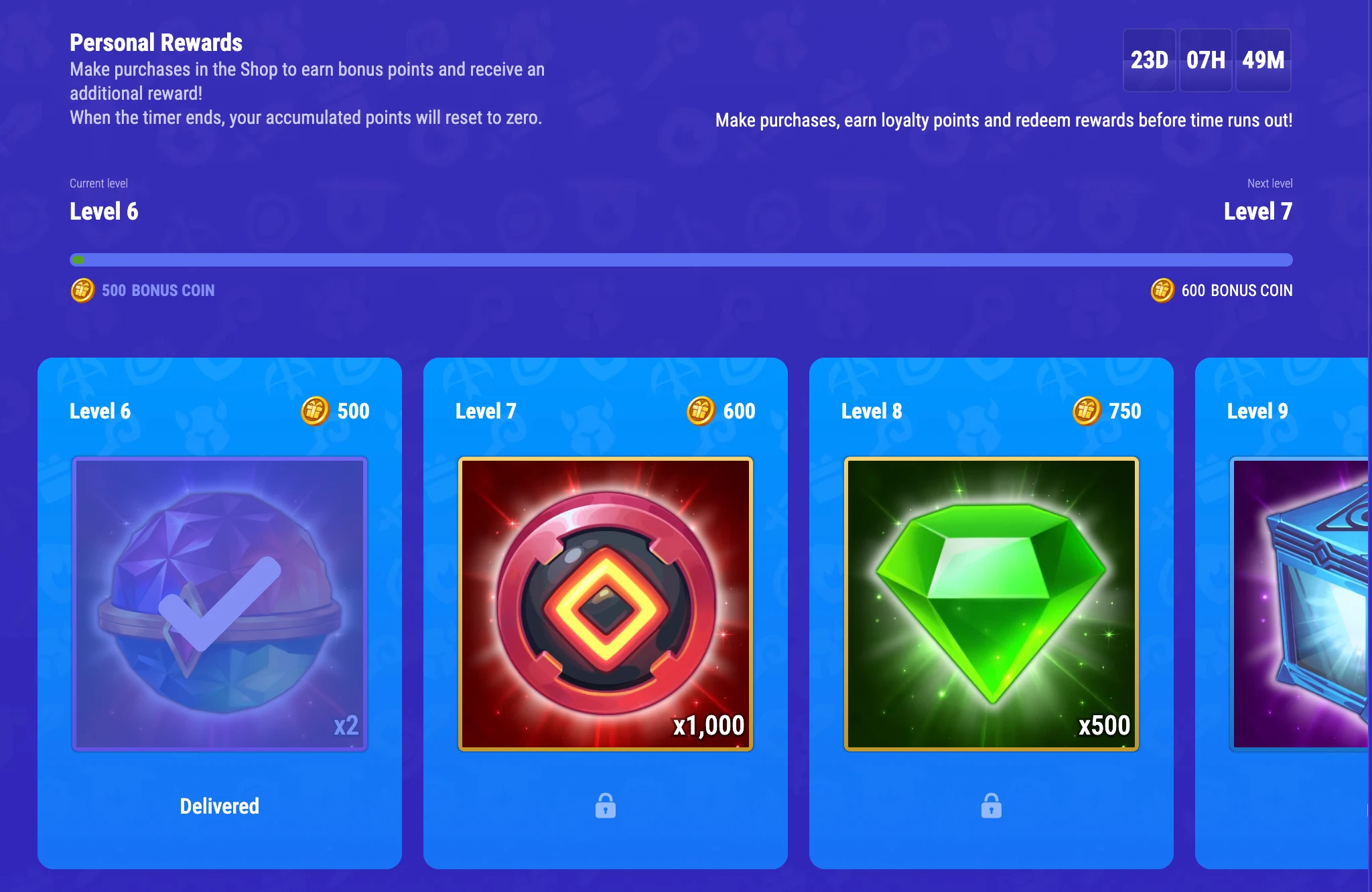
You can find the Personal Bonus System in the Bonuses section. Every time you make a purchase, you receive Bonus Coins; they are automatically applied to your personal bonus progression. You don’t need to claim these rewards separately — you receive them together with the purchase.
The more Bonus Coins you collect, the more valuable rewards you can get.
Your personal progression resets at the beginning of each month. Accumulated points are set to zero and the progression starts from the first reward. You can see the reset timer in Bonuses, in your personal rewards progression. There you can also find information about the rewards you’ve already collected and how many Bonus Coins you need to receive the next rewards in the progression.
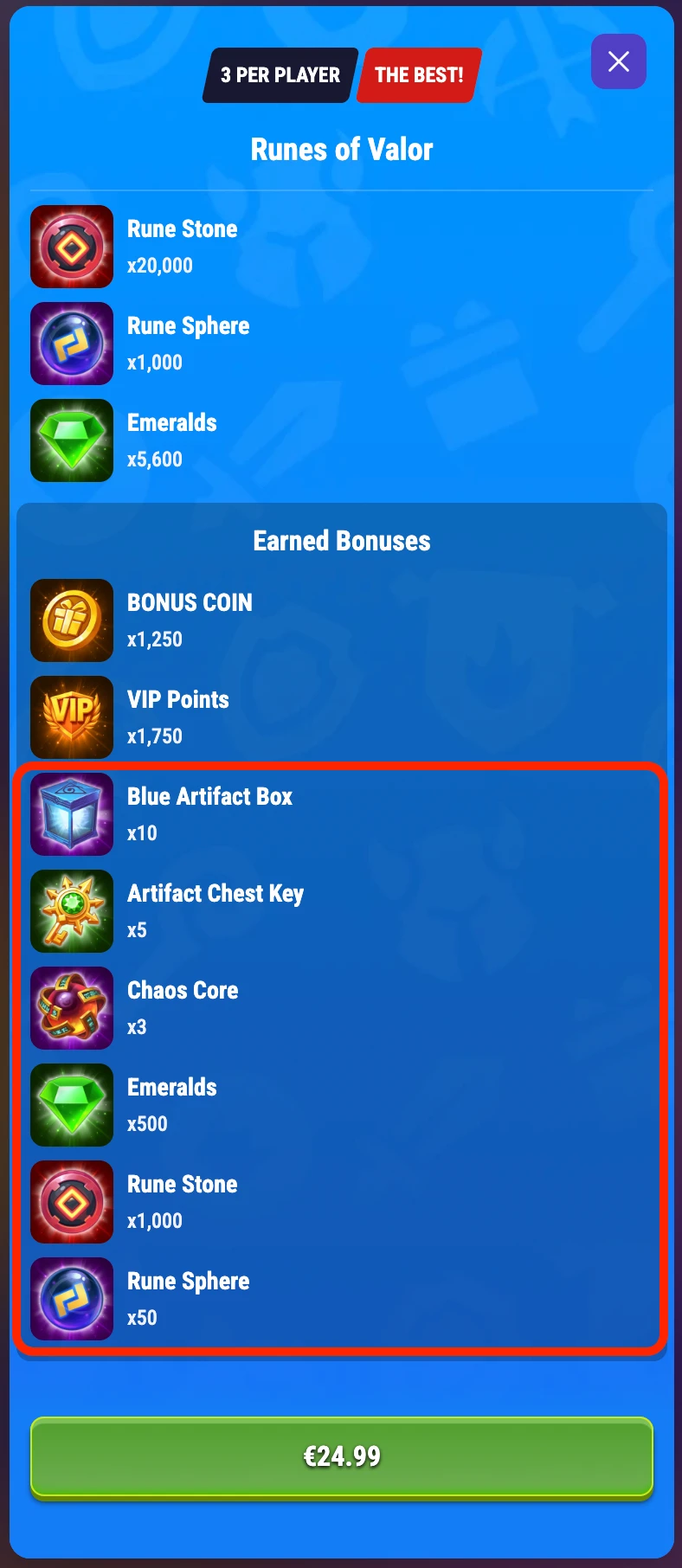
You can preview which bonuses you will receive in addition to the purchased items by opening the product card.
How does the Guild Bonus System work?
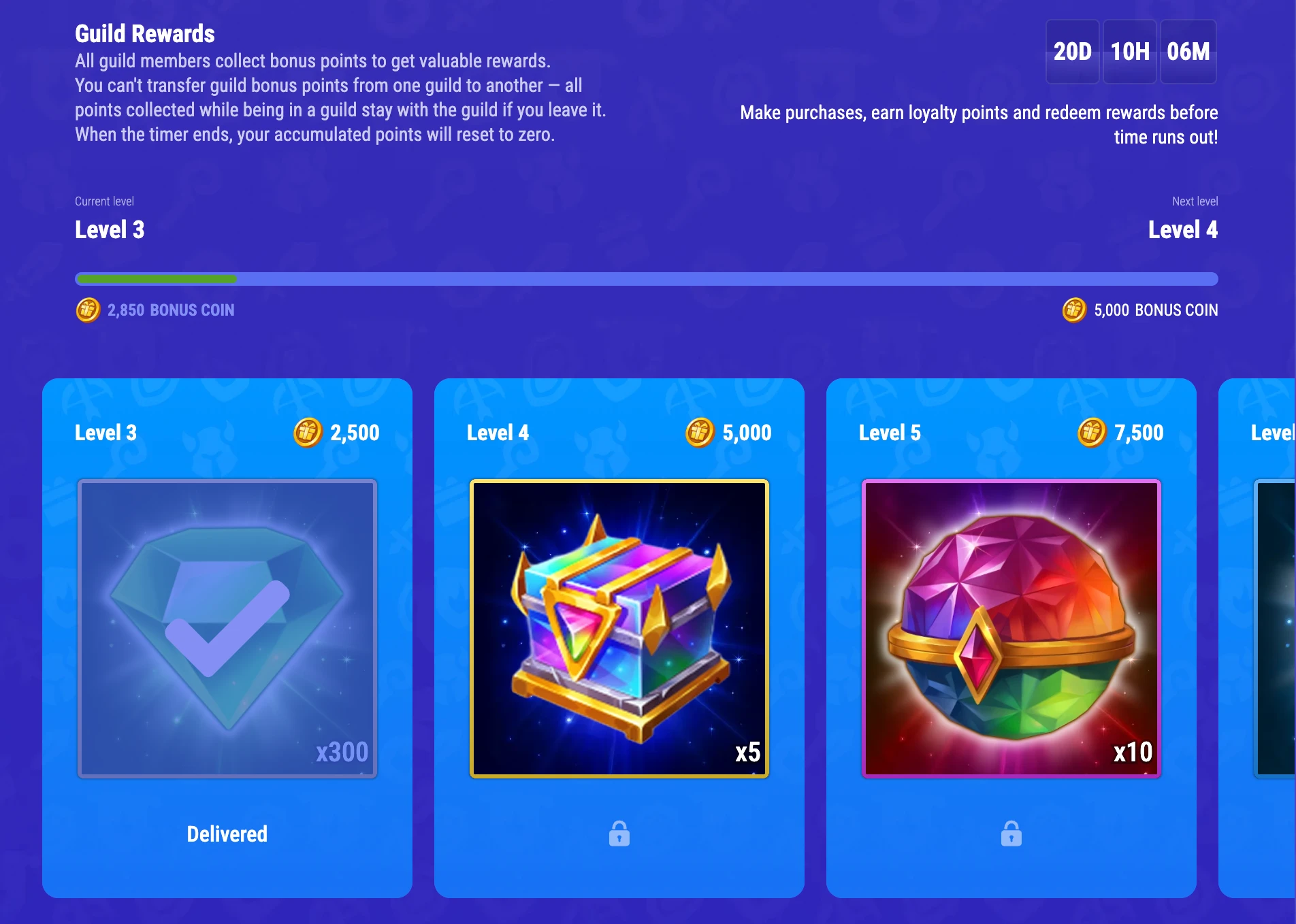
You can find the Guild Bonus System in the Bonuses section. Each time you make a purchase, you receive Bonus Coins; they are automatically applied to your guild bonus progression. If you are in a guild, all members of your guild contribute to the progression. If you are not in a guild, the progression is still tracked, but only you contribute to it.
Unlike the Personal Bonus System, rewards from the Guild Bonus System are available to all guild members. After reaching the required reward level, any guild member can go to Hero Wars Hub → Bonuses and claim the reward. Note that, unlike personal rewards, guild rewards must be claimed manually.
The guild progression resets at the beginning of each month. Accumulated points are set to zero and the progression starts from the first reward. You can see the reset timer in Bonuses, in the guild rewards progression. There you can also find information about the rewards that have been collected and how many Bonus Coins you need to receive the next rewards in the progression.
Important:
- If you leave a guild, your progression is not reset, but you continue to accumulate it personally.
- If you join a guild whose progression is lower than yours, your progression will be updated to match the new guild’s current progress.
- If you join a guild that has already progressed along the rewards track, you won’t be able to claim rewards that were earned before you joined, because you didn’t participate in earning those points.
How do Daily Rewards work?
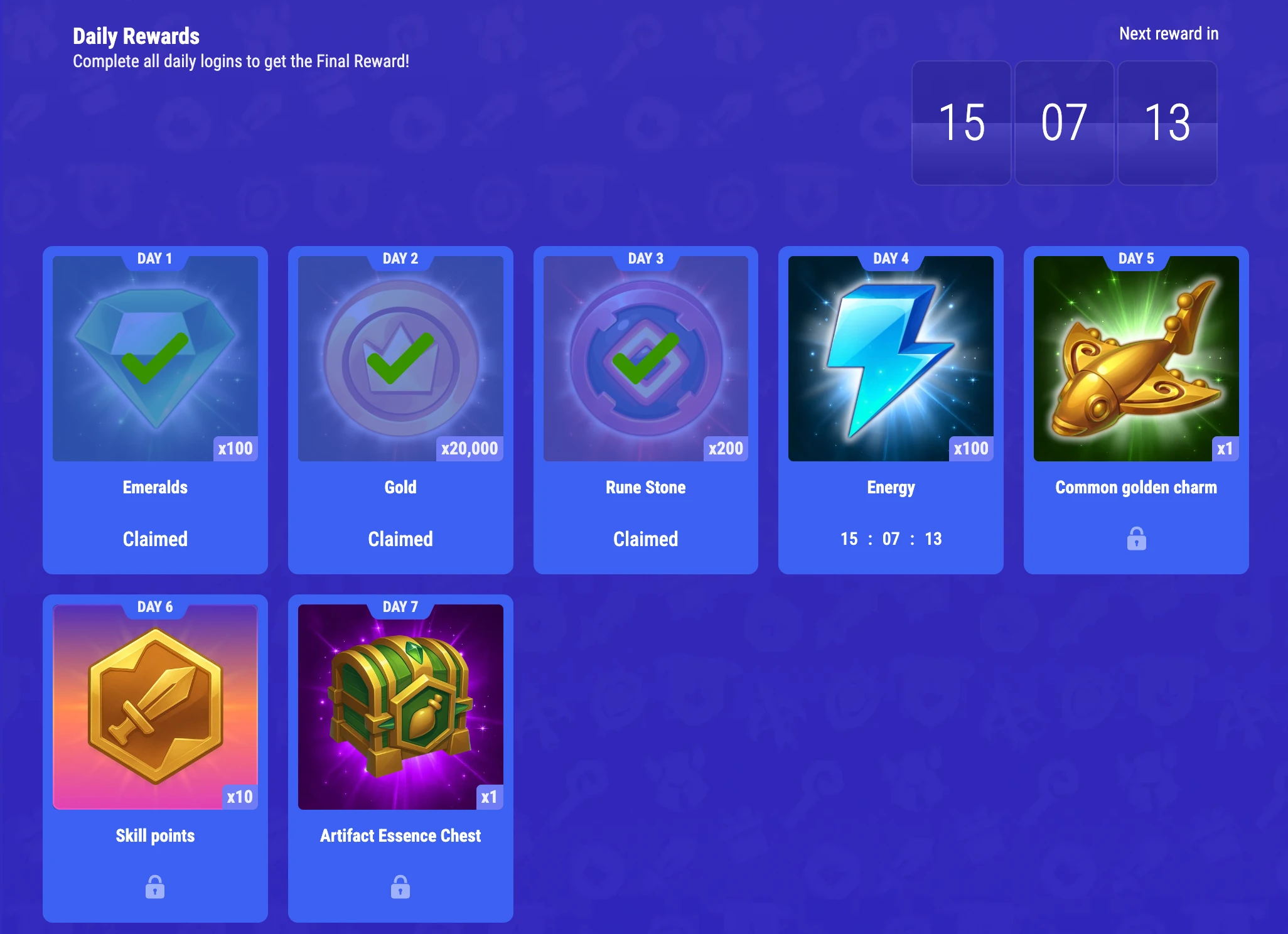
You can find Daily Rewards in the Home section. Come back to Hero Wars Hub every day and claim your daily rewards. The reward track refreshes as soon as you finish claiming all rewards in the current track.
The timer for your next reward starts as soon as you claim the previous one, so remember to claim them every day.
How do I activate a promo code?
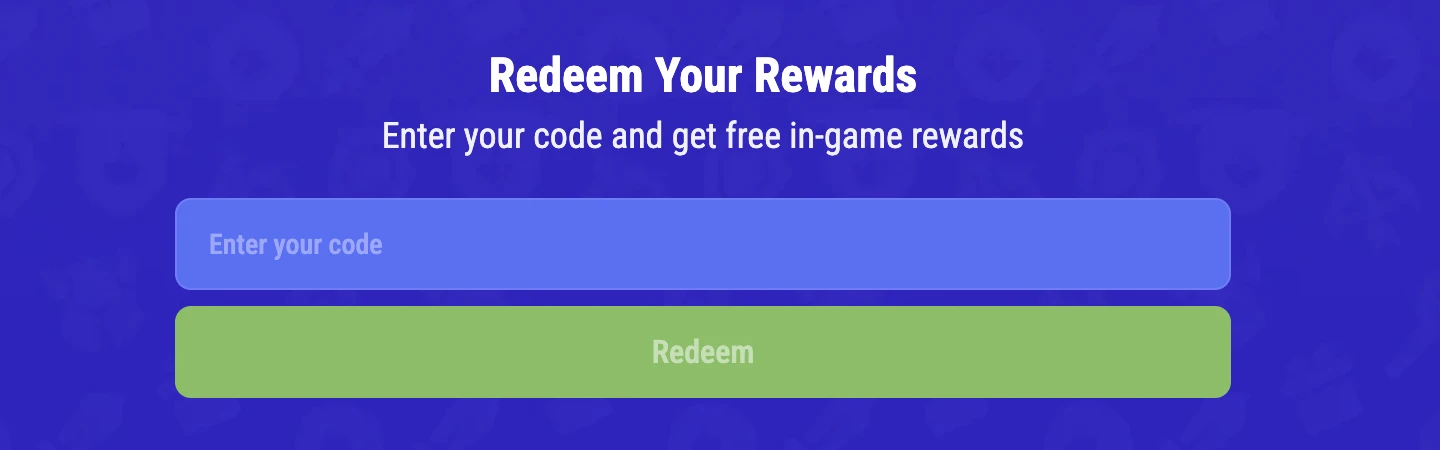
In the Bonuses section, you can find the Activate Promo Code feature. To use it, you need a special code. Enter the code in the designated field and click Redeem. If the code is valid, you’ll see a window with information about the reward. Return to the game to claim it.